About
Discord CLI for AI agents and humans. Manage servers, send messages, react, handle DMs, threads, and monitor events from the terminal. Built with security profiles, audit logging, and rate limiting for safe AI agent integration.
Documentation

discli
Discord CLI for AI agents and humans



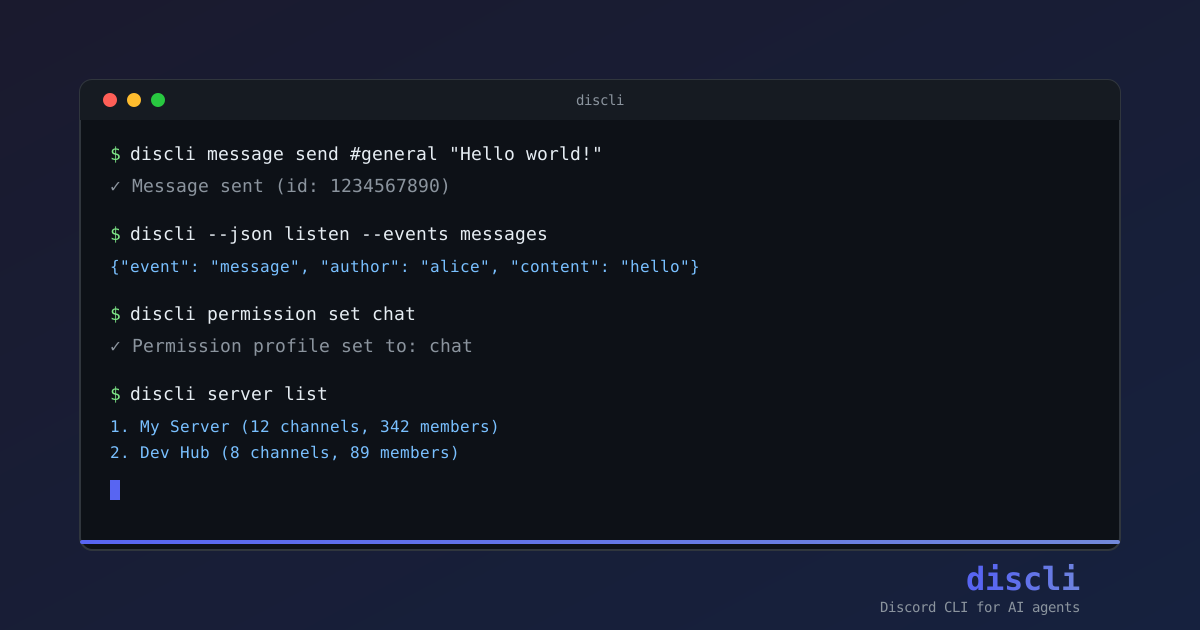
Talk to Discord from your terminal. Send messages, manage channels, run polls, watch live events, and build bots: all with one command-line tool that AI agents can drive too.
Quick look
# Send a message
discli message send "#general" "Hello world"

# React, edit, delete, all from the terminal
discli reaction add "#general" 12345 "👍"
discli message edit "#general" 12345 "Hello, friends"

# Watch events as JSON, pipe into anything
discli --json listen --events messages

# Run a persistent bot driven by an AI agent
discli serve
Every command has a --json flag for scripts. Identifiers accept both names and IDs (#general or 123456789, alice or her snowflake). One token, one CLI, no boilerplate.
Connection model
One-shot commands use Discord's HTTP API and do not open a Gateway session or consume an IDENTIFY. This includes message, reaction, channel, role, member, thread, poll, webhook, event, DM, and typing commands.
Gateway connections are reserved for features that need live Discord state: listen, serve, and voice commands. These commands request only the intents required by their selected event types; discli does not use Intents.all().
Some Discord HTTP endpoints and response fields are still restricted by application settings. For example, listing all guild members can require Server Members Intent, and reading arbitrary message content can require Message Content Intent. Those restrictions do not cause one-shot commands to open a Gateway connection.
What you can do
- Messages: send, edit, delete, history, embeds, attachments, replies, pins
- Search: scan one channel, or search a whole server through Discord's own index (by author, mentions, attachment type, pinned)
- Channels & roles: create, edit, delete, list, get info
- Members: list, info, kick, ban, nickname, role assignment, move between voice channels
- Threads: create, list, archive, message inside
- DMs: send and read direct messages
- Reactions & polls: manage emoji reactions, run polls with multiple choices
- Server admin: edit name/icon/banner, read Discord's audit log, manage invites, custom emoji, and AutoMod rules
- Server as code:
discli server export | diff | apply— roles, categories, channels and permission overwrites in a file - Webhooks: create, list, and post through them under a custom name and avatar
- Live events:
discli listenstreams every message, reaction, member event as JSONL - AI agents:
discli servekeeps a persistent bot open over stdin/stdout JSONL; drive it from Claude, OpenAI, LangChain, bash - Interactive components: modals, multi-step workflows with state, persistent dashboards
- Voice (optional extra): join voice channels, transcribe speech, TTS, audio playback, live meeting summaries
- Scheduling:
discli scheduleruns discli commands daily at a wall-clock time or on an interval - Setup & Doctor:
discli setupwalks you through token, invite, permissions and voice interactively;discli doctorverifies your setup in one command;--server NAMEalso checks the bot's real Discord permissions
Install
pip install discord-cli-agent
Requires Python 3.10+. That's it for text features. No voice deps are pulled in unless you ask for them.
Voice (optional):
pip install 'discord-cli-agent[voice,deepgram]'
You'll also need libopus (apt install libopus0 / brew install opus) and ffmpeg for playback. See docs/guides/voice.mdx for the rest.
Setup
Create a bot at the Discord Developer Portal, then let the wizard do the rest:
discli setup
It checks your token against Discord before saving it and shows you which bot it belongs to, builds an invite URL carrying exactly the permissions you pick, sets a permission profile, points voice users at the environment variables their providers read, and finishes with a discli doctor report. Re-run it whenever you like: every step shows what is already configured and offers to keep it.
discli setup needs a terminal. It refuses when stdin is piped or --json is passed, so scripts and agents should use the individual commands below instead of driving the wizard.
Manual setup, step by step
Create a bot at Discord Developer Portal.
Enable privileged intents only when a selected feature needs them (Message Content for live message content, Members for member lists or name lookups). Standard intents such as Voice States are requested automatically by the relevant Gateway command.
Invite the bot to your server with the permissions you actually need.
Save your token:
discli config set token YOUR_BOT_TOKENVerify everything works:
discli doctorDoctor reports what's set up and what's missing. Optional features you haven't asked for stay silent.
A bash agent in 8 lines
No Python required, just jq and discli:
discli --json listen --events messages | while read -r event; do
  mentions_bot=$(echo "$event" | jq -r '.mentions_bot')
  if [ "$mentions_bot" = "true" ]; then
    channel=$(echo "$event" | jq -r '.channel_id')
    msg=$(echo "$event" | jq -r '.message_id')
    discli message reply "$channel" "$msg" "Hello! How can I help?"
  fi
done
Pipe discli --json listen into any language. For richer bots, discli serve keeps a single Discord connection open and accepts 54 JSONL actions over stdin. See Serve Mode.
Drive it with Claude
The bundled examples/ai_serve_agent.py is a Claude agent that fully controls Discord: messages, embeds, buttons, selects, modals, channels, roles, polls, threads. @-mention the bot and ask in plain English:
@bot send a blue embed with title "Status" and fields Online=42, Messages=1337
@bot send 3 buttons: Accept (green), Decline (red), Maybe (grey)
@bot create a channel called announcements
@bot create a poll: "Best language?" with Python, Rust, Go
Security & permissions
Four profiles control what an invocation can do:
| Profile | Description | Destructive ops |
|---|---|---|
full | Everything (default) | yes |
moderation | Everything including bans / kicks / role mgmt | yes |
chat | Messages, reactions, threads, interactions | denied |
readonly | List / info / get / search only | denied |
discli --profile chat message send "#general" "hi"     # ok
discli --profile chat channel delete announcements      # denied
Every destructive action is logged to ~/.discli/audit.log. View with discli audit show. Built-in rate limiter (5 calls per 5s on destructive ops) keeps you from getting banned. Full security model: docs/architecture/security-model.mdx.
Examples
| Example | What it does |
|---|---|
ai_serve_agent.py | All-in-one Claude agent with messages, buttons, selects, modals, embeds, streaming |
claude_agent.py | Smaller Claude agent driven by @mention |
serve_bot.py | Minimal echo bot using discli serve |
component_test_bot.py | Buttons / selects / modals / embeds reference |
moderation_bot.py | Keyword filter with warnings and kick escalation |
support_agent.py | Rule-based support bot |
thread_support_agent.py | Thread-per-ticket helpdesk |
meeting_transcriber.py | Voice channel transcript + Claude summary (requires [voice]) |
channel_logger.sh | Log every message to a JSONL file |
reaction_poll.sh | Emoji reaction poll |
The full reference agents/discord-agent.md drops into any LLM's system prompt: Claude, OpenAI, LangChain, anything that takes a prompt.
Voice (optional)
discli also handles voice channels: joining, speaking via TTS, transcribing speech with streaming STT, and live meeting summaries.
discli voice join "general"
discli voice speak "joining the call now"
discli voice listen        # prints transcripts as people speak
Voice needs the [voice] extra plus a provider ([deepgram] / [elevenlabs] / [openai-voice]). Full walkthrough, including the DAVE encryption fix that makes listening work on modern Discord, lives in docs/guides/voice.mdx.
Configuration
discli config set token YOUR_TOKEN
discli config show
Stored at ~/.discli/config.json (auto-secured with 0600 permissions). Token resolution: --token flag → DISCORD_BOT_TOKEN env var → config file → DISCORD_TOKEN env var.
Documentation
Full docs live in docs/:
- Installation · Quickstart · Configuration
- Guides: CLI Usage · Serve Mode · Components & Modals · Voice · Building Agents
- Reference: CLI Commands · Serve Actions · Serve Events · Permission Profiles
- Troubleshooting
Contributing
See CONTRIBUTING.md. Tests run via uv run pytest tests/. Commits follow conventional commits (feat:, fix:, docs:, chore:).
License
MIT. See LICENSE.